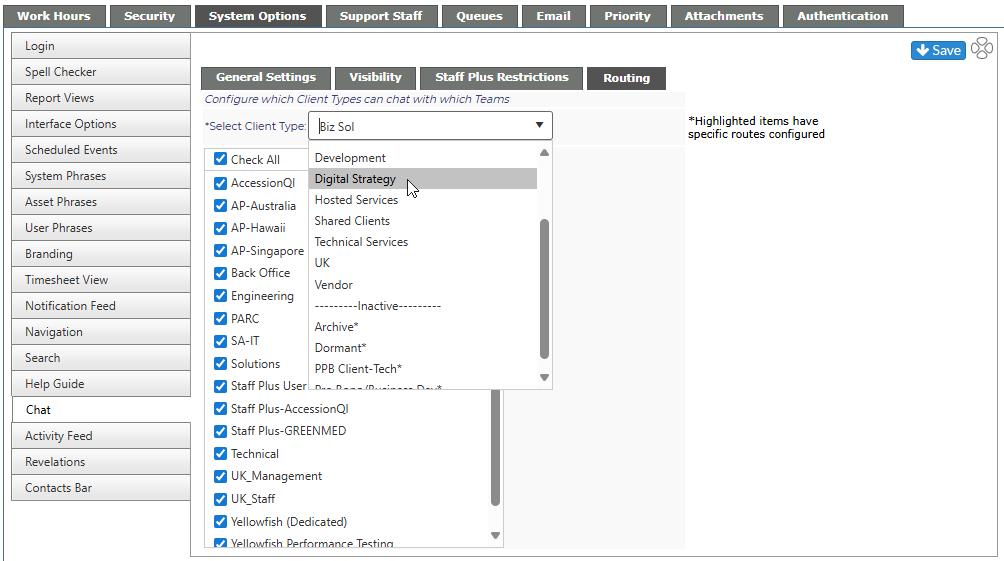
From the Routing tab, you can configure which client type can chat with which team. In the example below, clients set as Technical Services will only be able to chat with members of the Solutions or Technical teams. Even if members of the other teams are available, the Users will not be able to chat with them.
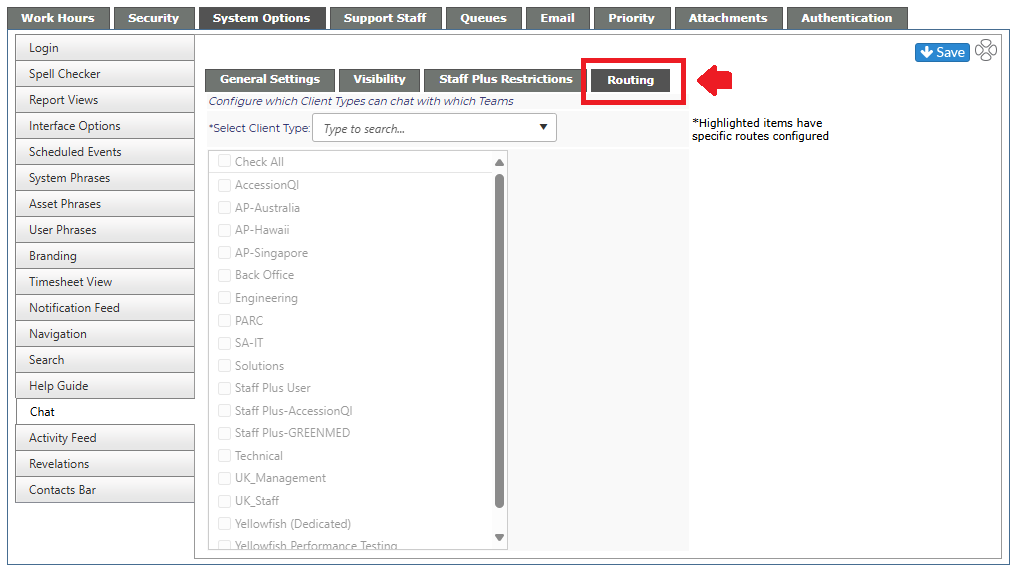
From the Select Client Type drop down, you will be able to see if any of the types have had the configuration changed, the Client Type will be highlighted.