
Admin Search
Admin Search provides a quick way to locate settings throughout the Administration area without navigating through each individual category.
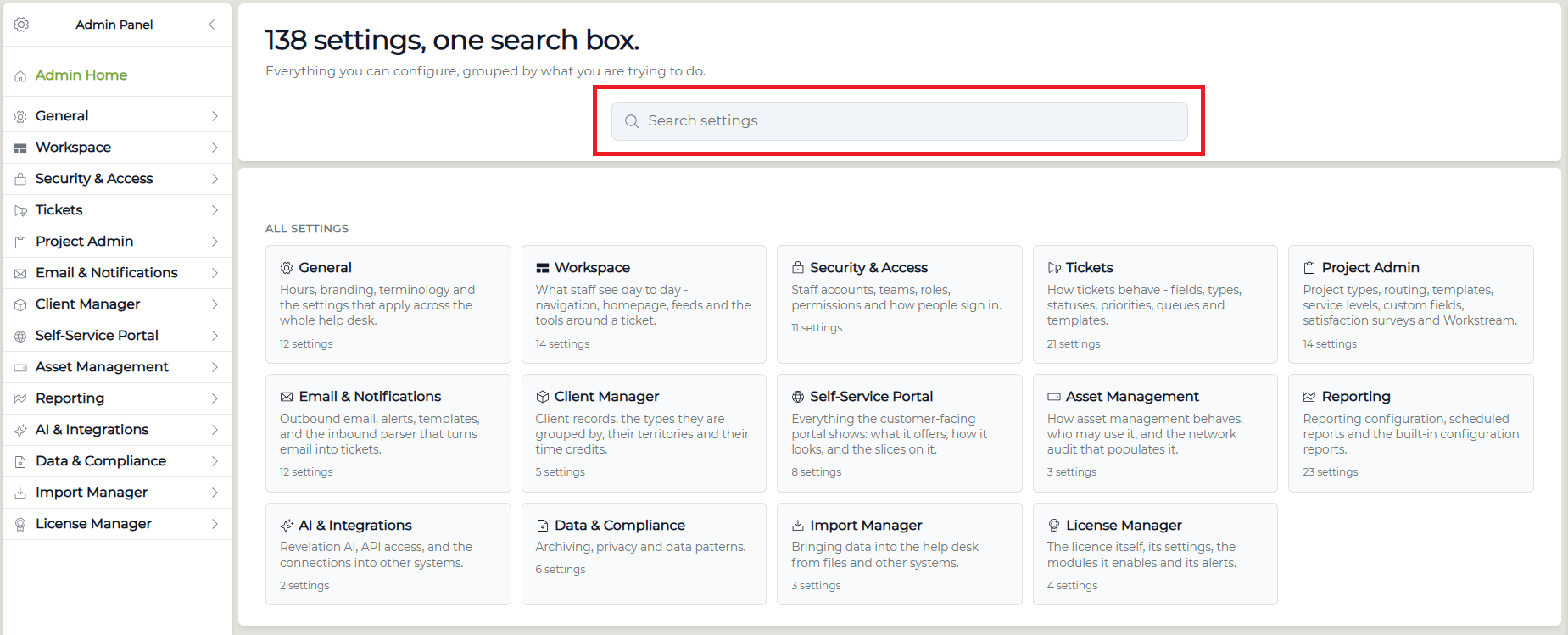
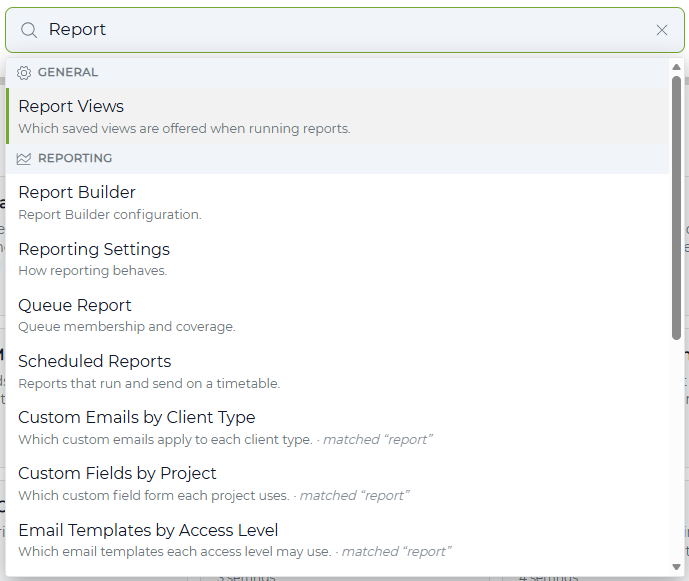
Enter a term in the Search settings field at the top of Admin Home. Revelation will search across all available Administration settings to help you locate the configuration option you need.
You can also browse settings by selecting a category from the Admin Panel on the left, or from the category options displayed on the Admin home screen.