
To control what you see:
- Click on Settings to see a list of the alerts available.
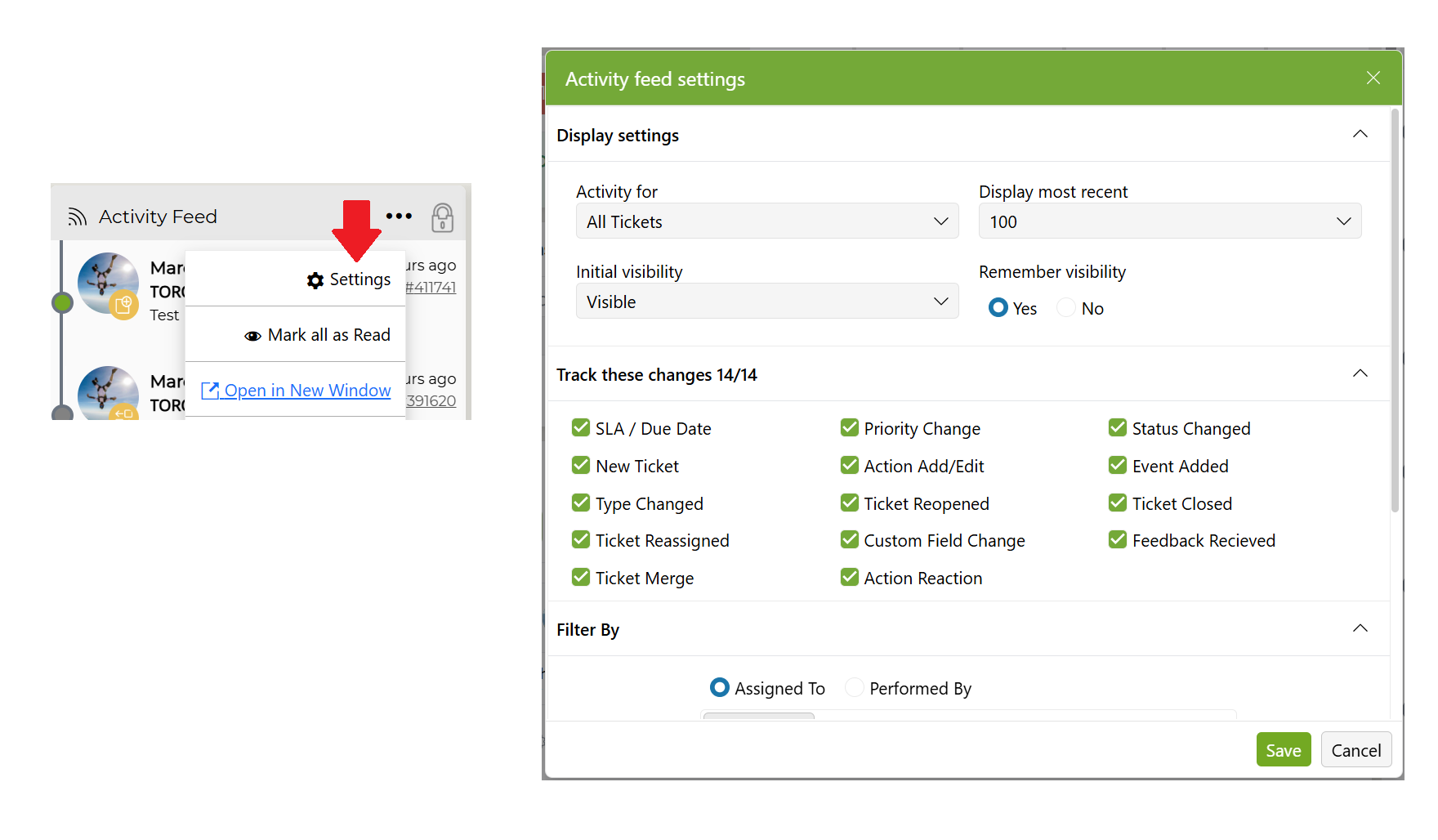
- Configure what you want to see Activity for
- Choose from My Tickets, My Ticket Monitor, or All Tickets
- Note: If it is grayed out, it has been set by the System Administrator as a default view.
- Set the number of alerts to show, if the fly out is hidden or visible.
- Filter by Assigned To or Performed By for Team, Support Staff, Client Type, Client, and/or Project Type
- Select whether your feed saves the current view by choosing Yes or No under Remember Visibility
- Click Save to save all changes.