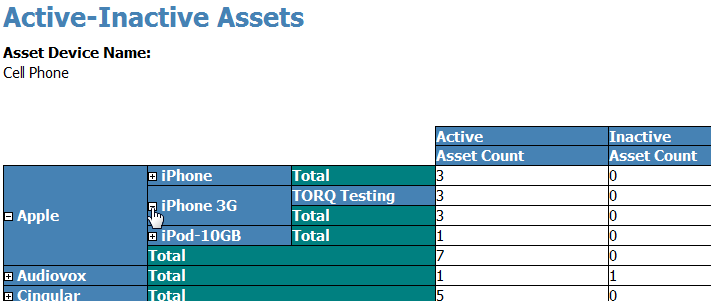
A listing of Active and Inactive assets by Device Name.
NOTE: If Asset Management is not enabled in Revelation, this report will not be visible in Report Manager.
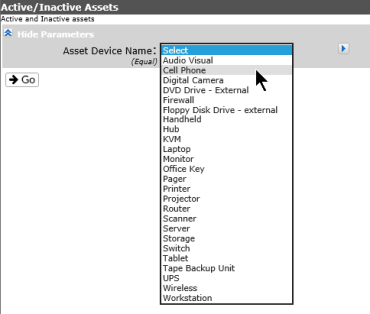
Select the device from the drop down; the list is based on the device list set up in Asset Category Setup. If multiple assets are required, click on the arrow and then use the Ctrl key to select multiple items..
When the report is run, it will show a listing of the Active and Inactive assets for that Device Name by manufacturer. When you expand the manufacturer, it will show the specific models, with the number of active and inactive items for each. The result will further expand to show the clients assigned to those assets.