
If Customer Satisfaction has been turned on in the Admin area, when the ticket is closed an email is sent to the end user. This email may include a request to rate the service received from one to five stars.
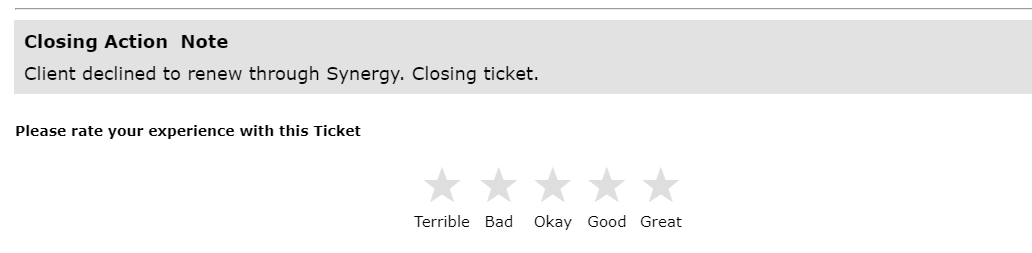
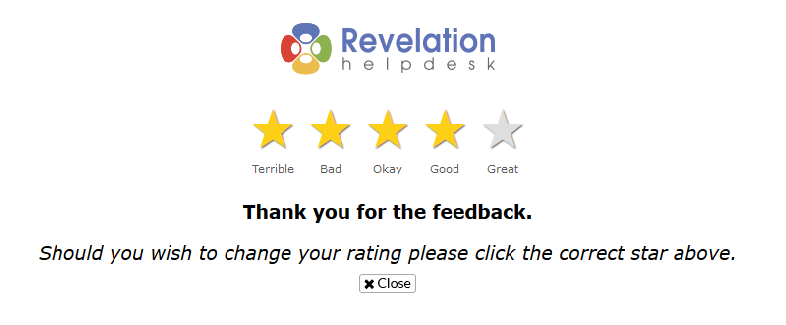
The end user can rate their experience, and it is added to the Customer Satisfaction overview. After the end user rates the ticket, they are taken to a web page which shows them the rating, and gives them a chance to change it, if needed. Once they are happy with the rating, they can click close to send the feedback and close the web page. You may also change the setting so that the 5 Star Rating may be completed without end user authentication. If deselected, any user with access to the Closed Ticket email would be able to complete the 5 Star Rating.
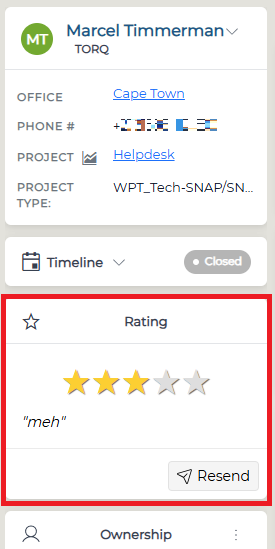
The rating will also be visible in the closed ticket. If your client needs to have the rating email resent, click on the button under the stars.
The report of all ratings received can be viewed here.